Nov 12, 2025
Why you need to spy on your competitors' YouTube ads
The benefits are pretty obvious. Without doing any research and without having any data or reference points to go off, creating YouTube ads is pure guesswork. You’d have to find winning ad concepts for your offer through pure trial-and-error and lots of expensive creative testing. Some people have to brainstorm, film, launch, and test 20 or even 30 ads without any success before finally finding their first profitable winning ad.
But by using a YouTube Ad Library or YouTube Ad Spy Tool, you can basically leverage all the ad creative tests other advertisers have already done. Every day, hundreds of advertisers in your niche are spending countless hours and thousands of dollars testing new ad concepts. Most of those ads fail and are unprofitable. But some of those ads turn out to be winners that then go on to bring in millions of dollars in sales and run profitably for many months or even years.
And by being able to see all your competitors' ads, including the ad performance, you get the same insights and know exactly what ad concepts or ad messages are proven to work without having to brainstorm, film, edit, launch, test, and iterate hundreds of ads yourself, essentially allowing you to start with profitable ads from day one.
It’s a big shortcut that eliminates all guesswork through real-world data. It allows you to find more winning ads faster and therefore scale faster, without having to waste your ad budget on testing unprofitable ads.
How to use the Google Ads Transparency Center
What is the Google Ads Transparency Center?
Just like Meta, TikTok, LinkedIn, and Reddit, Google also has its own free Ad Library. It’s called the Google Ads Transparency Center, and you can use it to see all the Google ads other advertisers are currently running.
How to find YouTube ads in the Google Ads Transparency Center
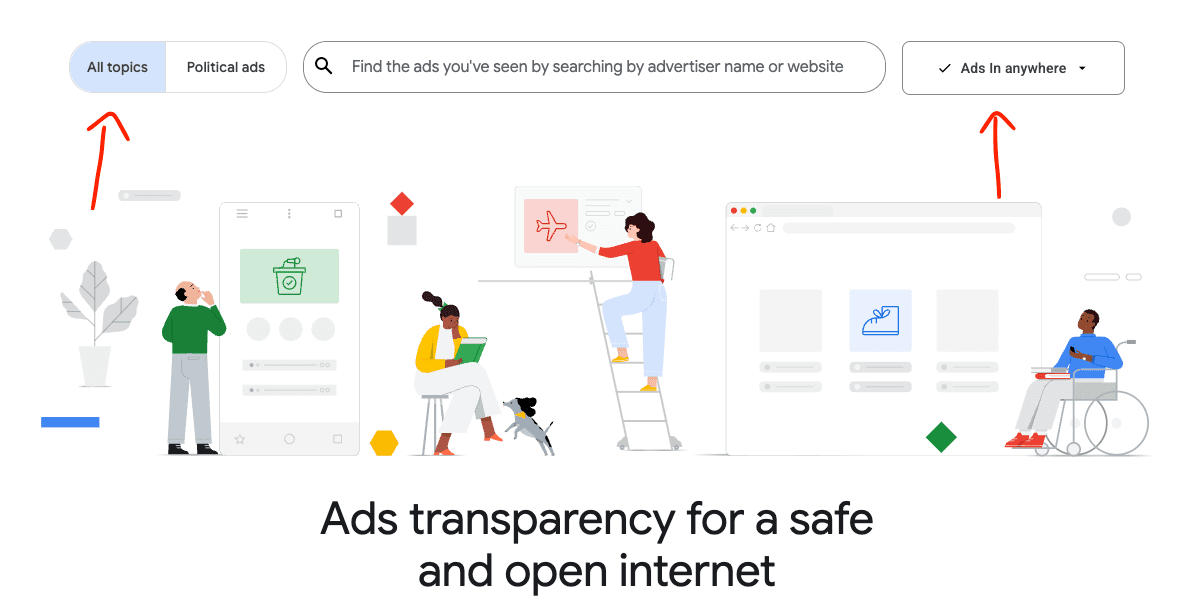
Open the Google Ads Transparency Center
Select “All topics” and the countries that should be included in the search
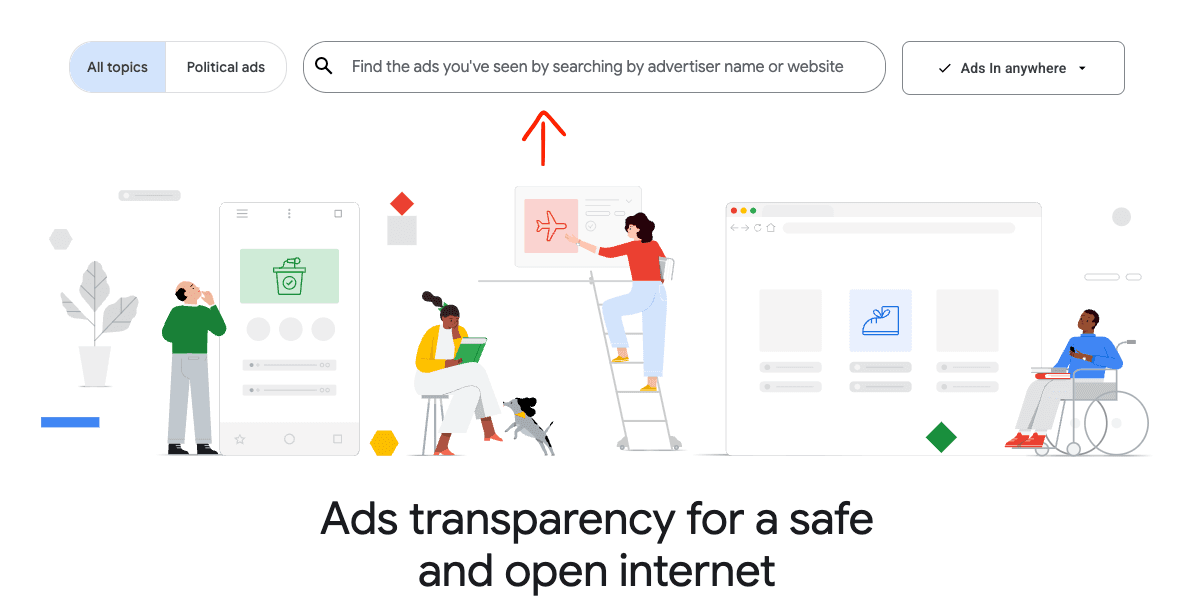
Enter the name of the advertiser or the domain that you want to search for in the search bar
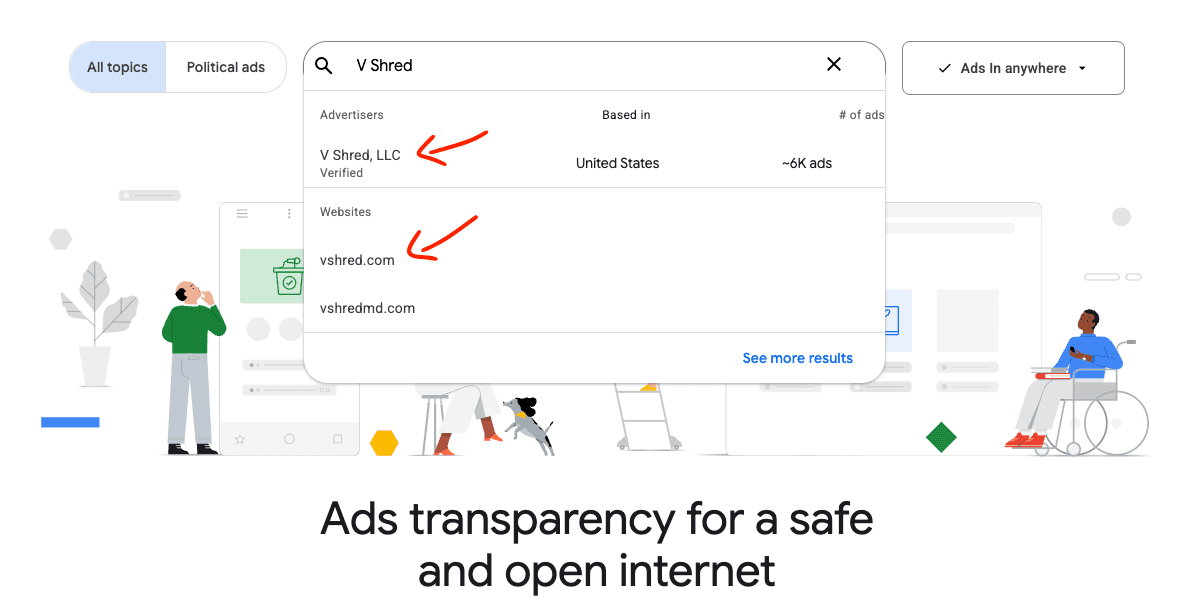
Then select that advertiser or that domain
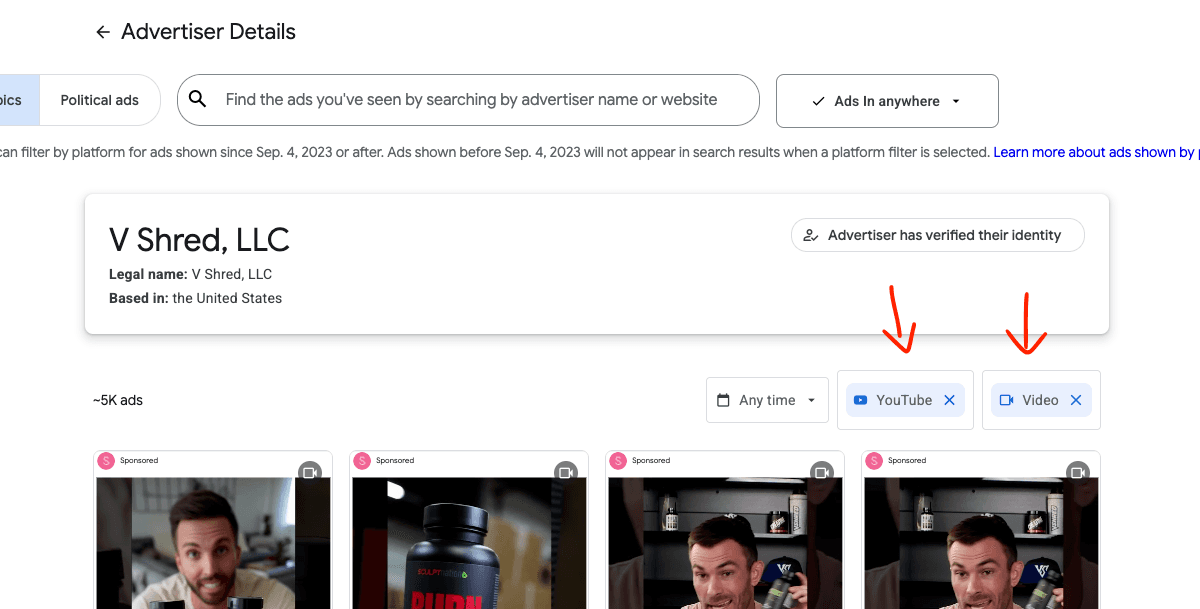
Then apply your filters to narrow down the ads
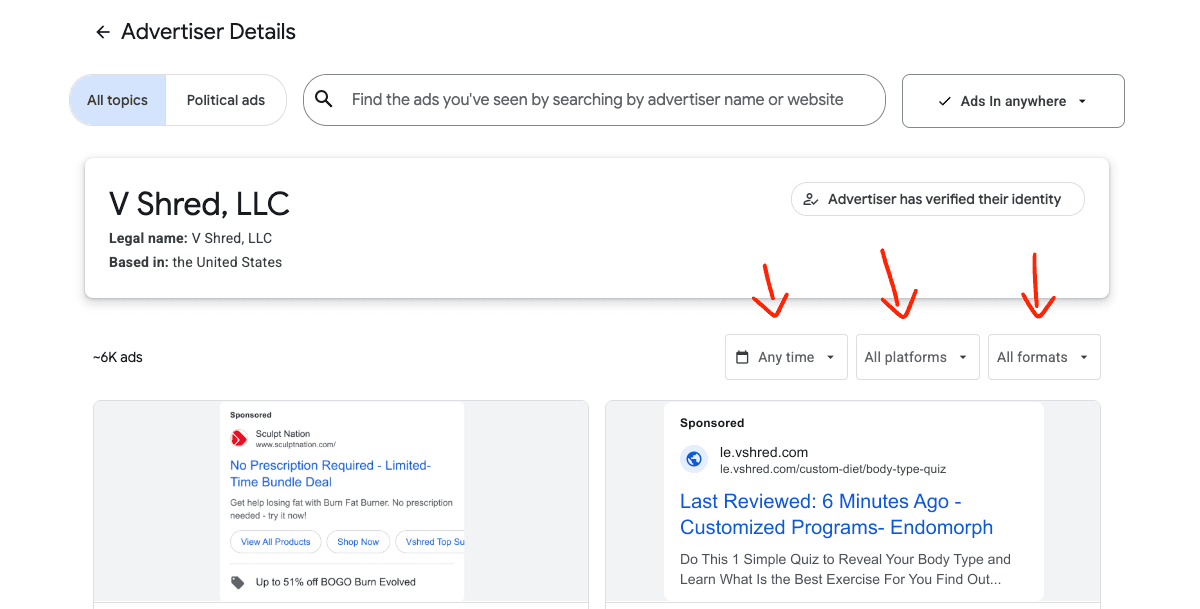
For classic YouTube ads, we want to select “YouTube” and “Video”
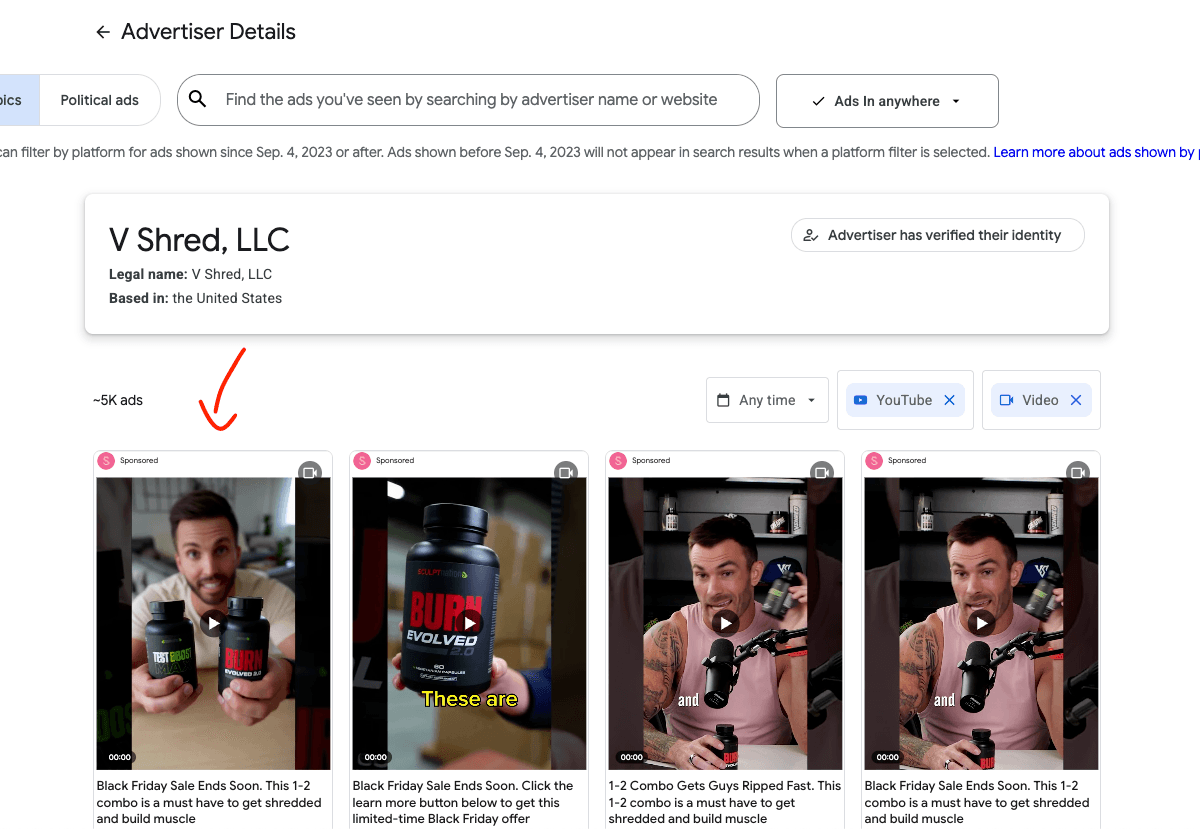
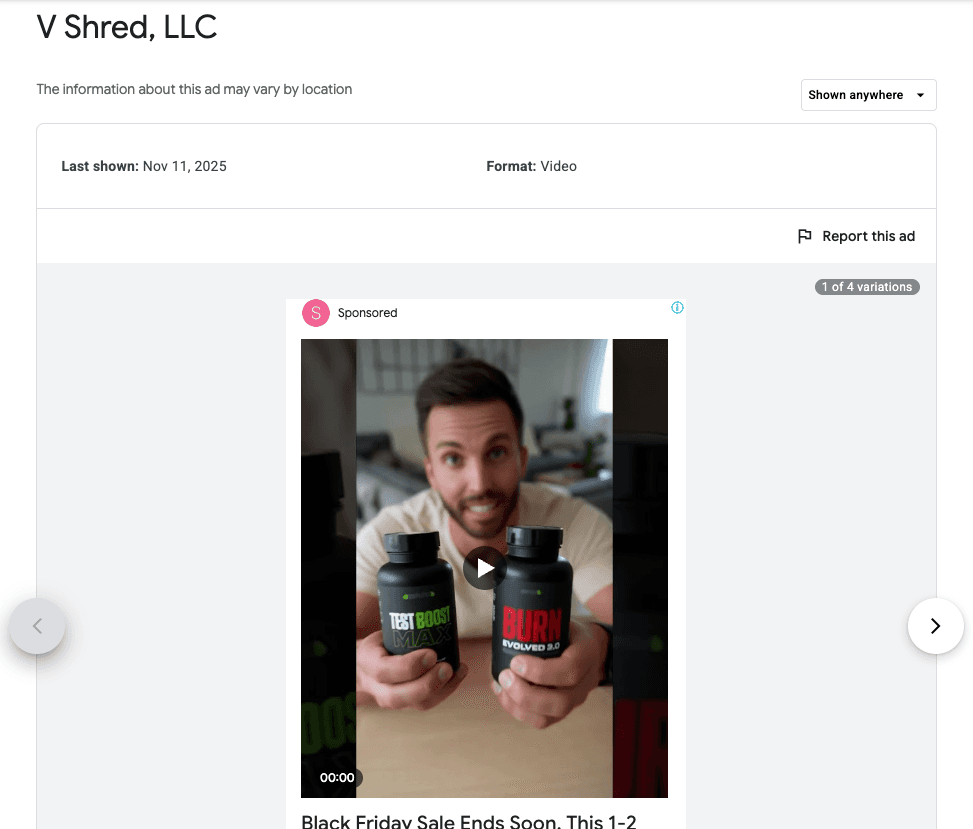
Then you can click on the ads to watch them
Advantages of the Google Ads Transparency Center
It’s completely free to use
Since it’s straight from the source, it’s reliable and accurate in what it does
Disadvantages of the Google Ads Transparency Center
You can only search for specific advertisers and specific websites, not keywords or general topics. This means you’re only going to find ads from the advertisers and businesses that you already know. You can’t use it to discover new ads or get the whole overview of all ads in your market.
The search functionality and filters are extremely limited and make it hard to find relevant ads without manually clicking through each one.
It only shows ads that have been active in the last 30 days. So you’re not going to see all the ads, just the few most recent ones. This means you can’t see all the historic winning ads from other advertisers and brands.
It only shows ads from advertisers that have been verified. So all ads from advertisers that haven’t been verified yet are missing.
You get almost no information or data about the ads.
For ads outside of Europe (America, Canada, Australia, UK, …), you get:
The date on which the ad was last shown.
For ads in Europe, you get:
The date on which the ad was shown for the first time and the date on which it was last shown.
A rough range of how many impressions the ad got in the timeframe from when it was first shown to three months ago (Not all impressions, only the impressions in Europe).
Because you get so little data about the ads, it’s impossible for advertisers outside of Europe to determine which ads in the Transparency Center are profitable, winning ads, and which ones are unprofitable, losing ads. And for advertisers inside of Europe, it’s a tiny bit better, but it’s still almost impossible to accurately spot winners. Because you can’t really spot winners by how long the ad was running, since we only get “first shown” and “last shown” dates about the ads. Because the ads could’ve been paused for a long time in between, or the ads might only run on a tiny budget. Some advertisers purposefully keep really bad ads running with a very small budget so that competitors that try to copy their ads get confused and waste their time on copying those bad ads because they think those are winners because they have been running the longest. And the rough range of impressions also doesn’t help to spot real winners, because what’s way more important are the views of the YouTube ads. If you see an ad with hundreds of thousands of impressions, you might think that ad must have gotten a ton of ad spend and therefore must be working, but that ad might be running on an awareness or traffic objective where impressions are dirt cheap. So even with the Google Ads Transparency Center, you’re still guessing which ads might work, which totally goes against the use case of an ad library.
You also can’t see the landing page that the advertiser is sending the traffic to, which means you can’t analyze the entire advertising strategy, only a single part of it.
There is no way of saving and organizing ads. So you can’t build folders and swipe files with ad inspiration without manually screen recording everything.
All in all, it’s pretty clear that the Google Ads Transparency Center is not meant to be an actually useful ad library or ad spying tool, but just the bare minimum to comply with the legal regulation “Digital Services Act” of the EU.
What's the best YouTube Ad Library and YouTube Ad Spy Tool? (Google Ads Transparency Center Alternative)
There are tons of different ad libraries and ad spy tools like BigSpy, AdSpyder, PowerAdSpy, AdsLibrary, AdSpy, and Adplexity. And these spy tools are all multi-platform ad libraries, which means their focus is spread thin and they are somewhat okay at all ad platforms, but not particularly great at any of them.
So if you're specifically looking for YouTube ads, it's best to choose an ad library or ad spying tool that's also specialized in YouTube ads because these will be the most accurate and most up-to-date. So let's compare the best YouTube ads library and YouTube ads spy tools…
VidTao Review
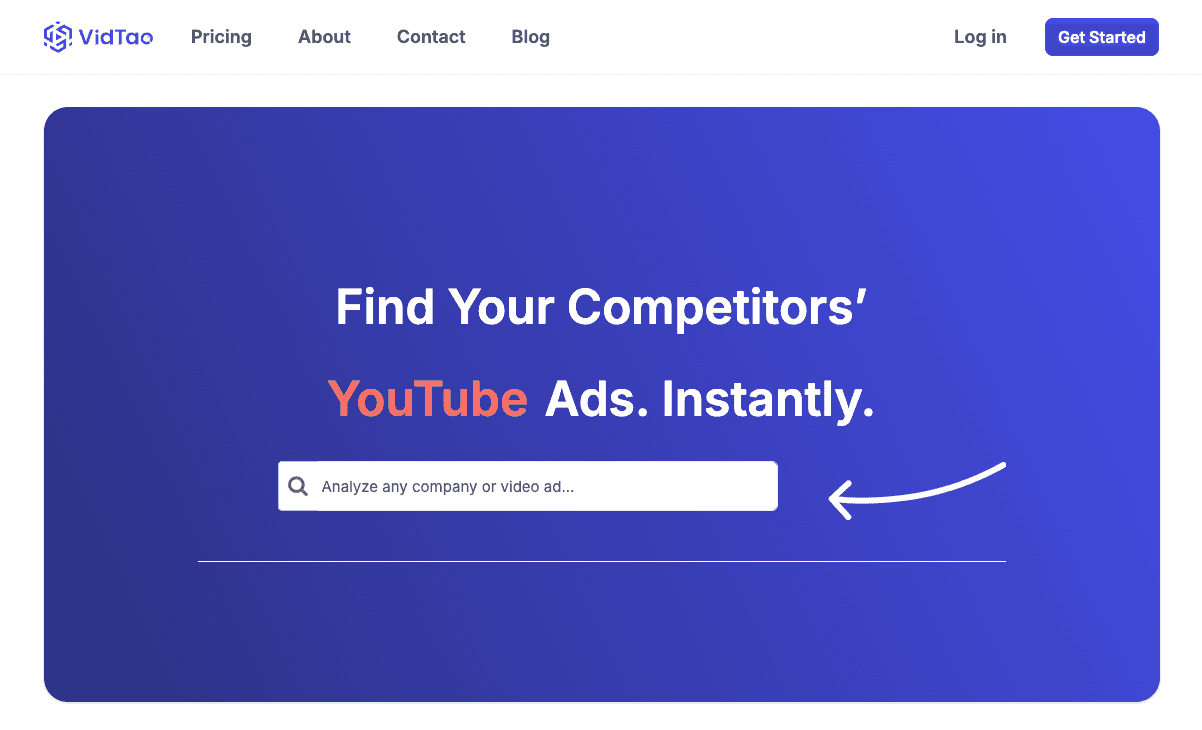
VidTao is probably the most well-known YouTube ad spy tool out there. Not necessarily because they are the best at it, but because the tool used to be completely free. That’s the reason it got popular. But then they changed and are now charging for it. This made a lot of users switch to alternative tools.
VidTao Pricing:
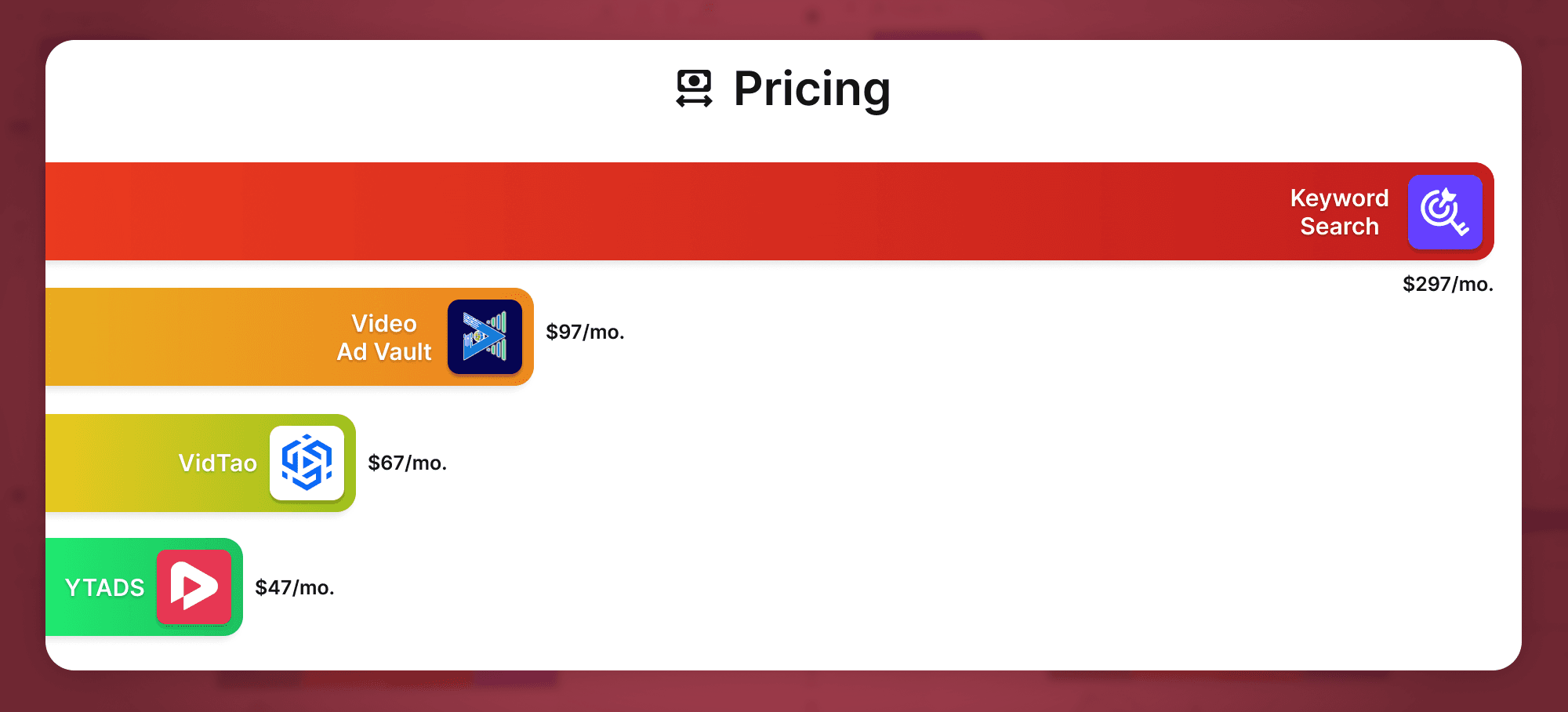
67$ per month
How up-to-date is the VidTao YouTube ad library?
All available YouTube ads from yesterday: 0
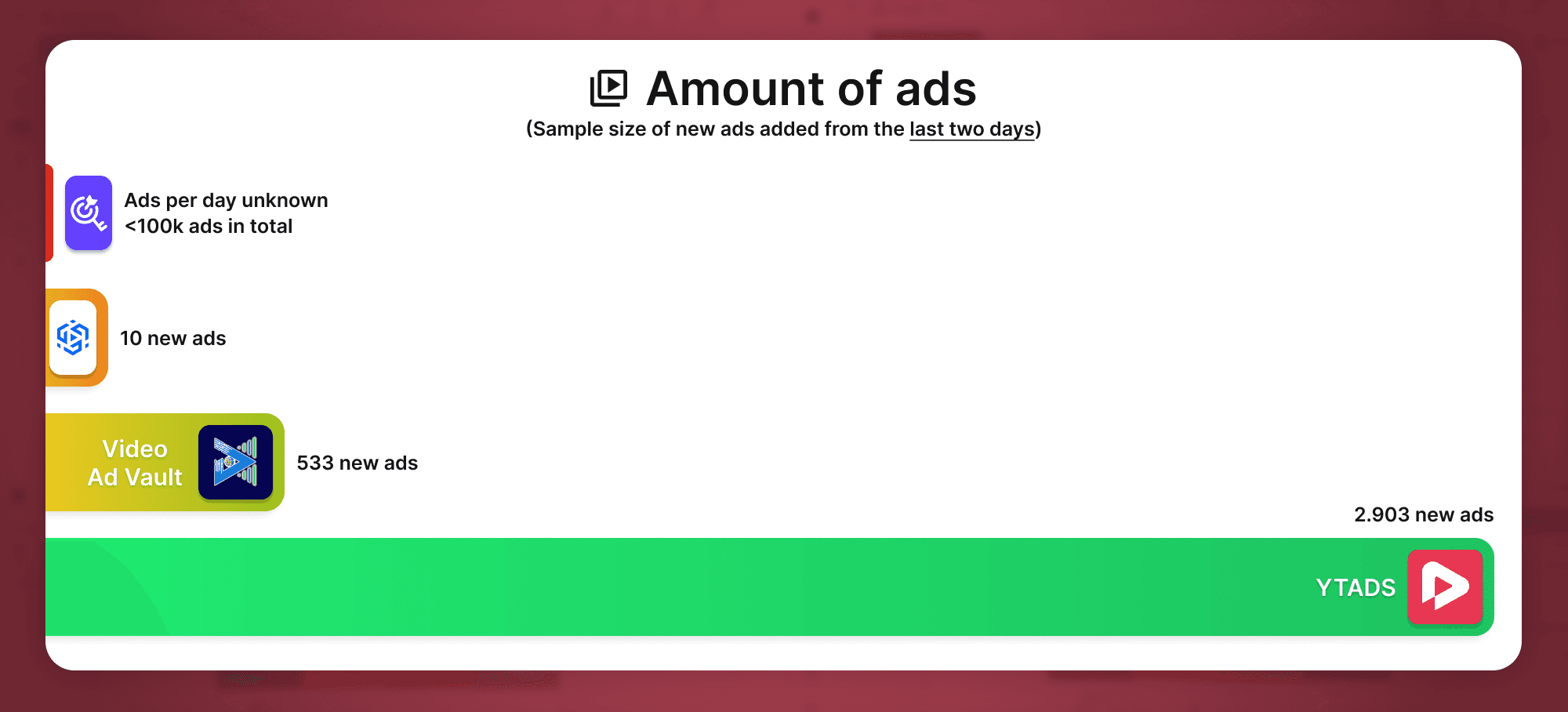
All available YouTube ads from two days ago: 10
How much data does VidTao provide for each ad?
Title of the ad
Length of the ad
Advertiser name
Estimated total ad spend
Estimated ad spend in the last 30 days
Publishing date
Scaling graph
Video description
Thumbnail (but not really useful since it’s too tiny to actually do something with)
Category of the ad (but only for some ads)
Video transcript (but only for some ads)
First seen and last seen dates (only for some ads)
Landing page URL (only for some ads)
Target countries (only for some ads)
Positive things about VidTao:
They still offer a free version (but with very limited features and very limited data)
The ad library contains a large number of ads
It also has a dedicated ad library for affiliate ads
Negative things about VidTao:
The ad library is not really up-to-date. We couldn’t find a single ad that was launched yesterday, and only 10 ads in total that were launched two days ago.
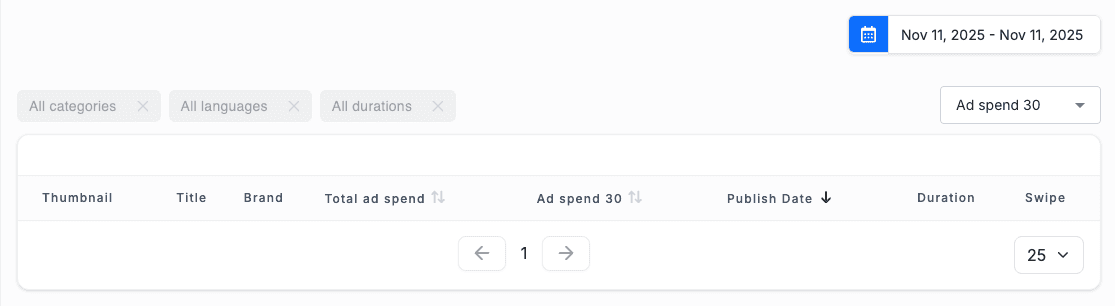
The majority of the ads are from years ago and, therefore, somewhat old and outdated.
Lots of deleted ads, broken ads, and dead links.
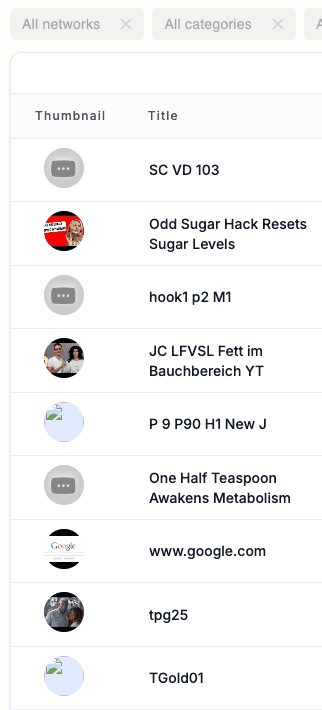
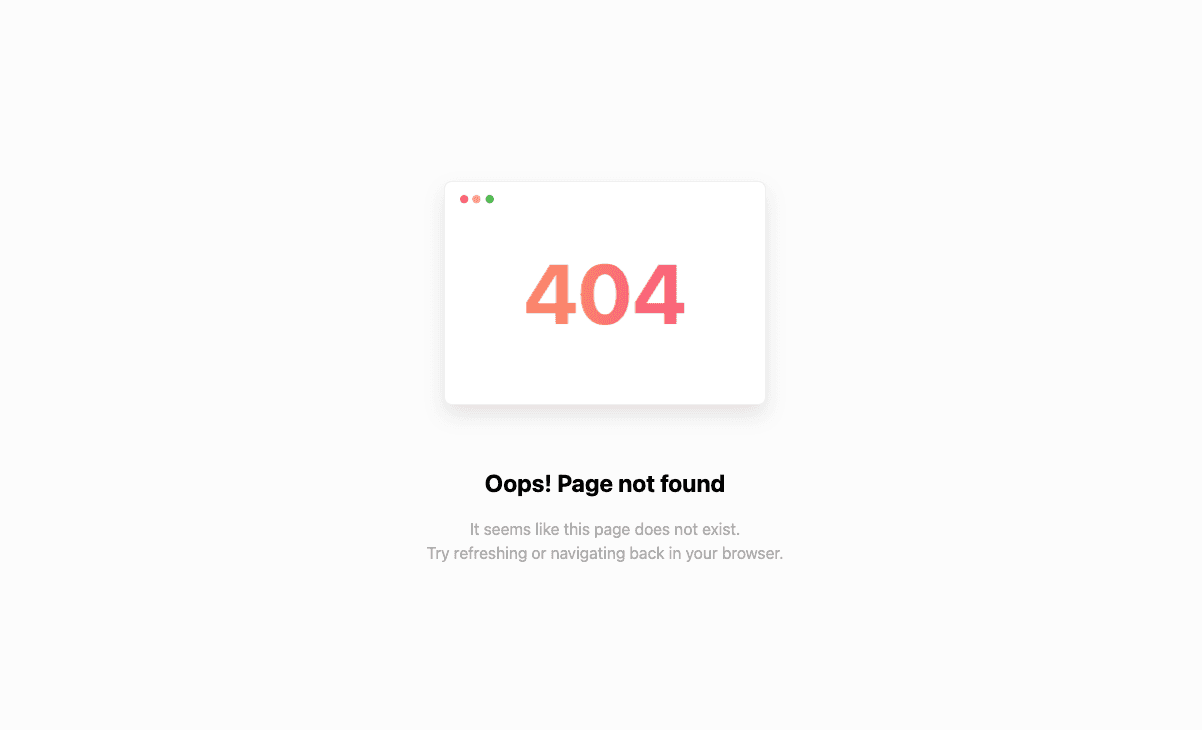
Lots of bugs and errors that make it almost unusable sometimes.




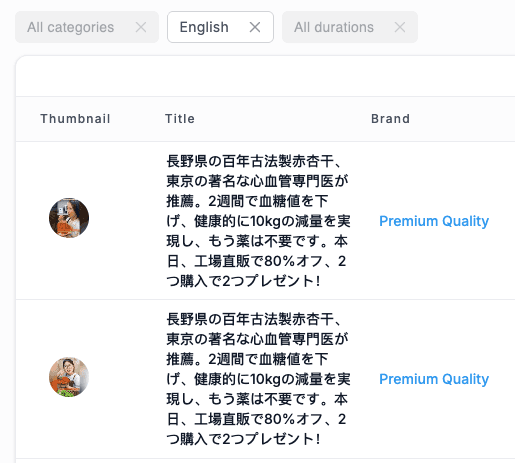
Inaccurate search and filters. For example, filtering for only English ads still shows Chinese ads and all kinds of different languages.
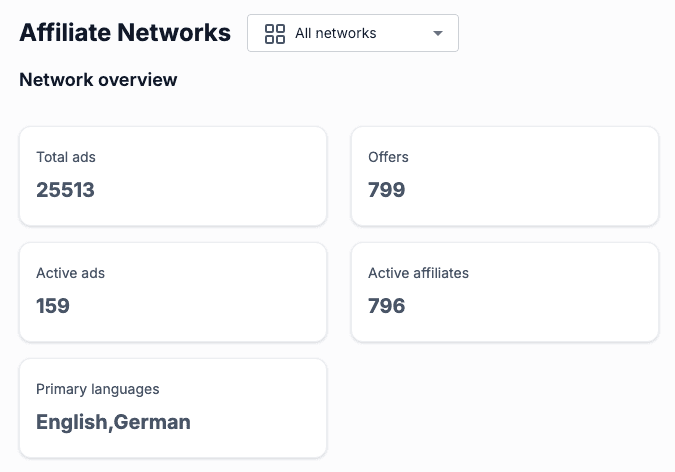
The affiliate ad library is extremely small, with only 159 active ads in total. That's not even a single active ad per affiliate offer.
KeywordSearch Review
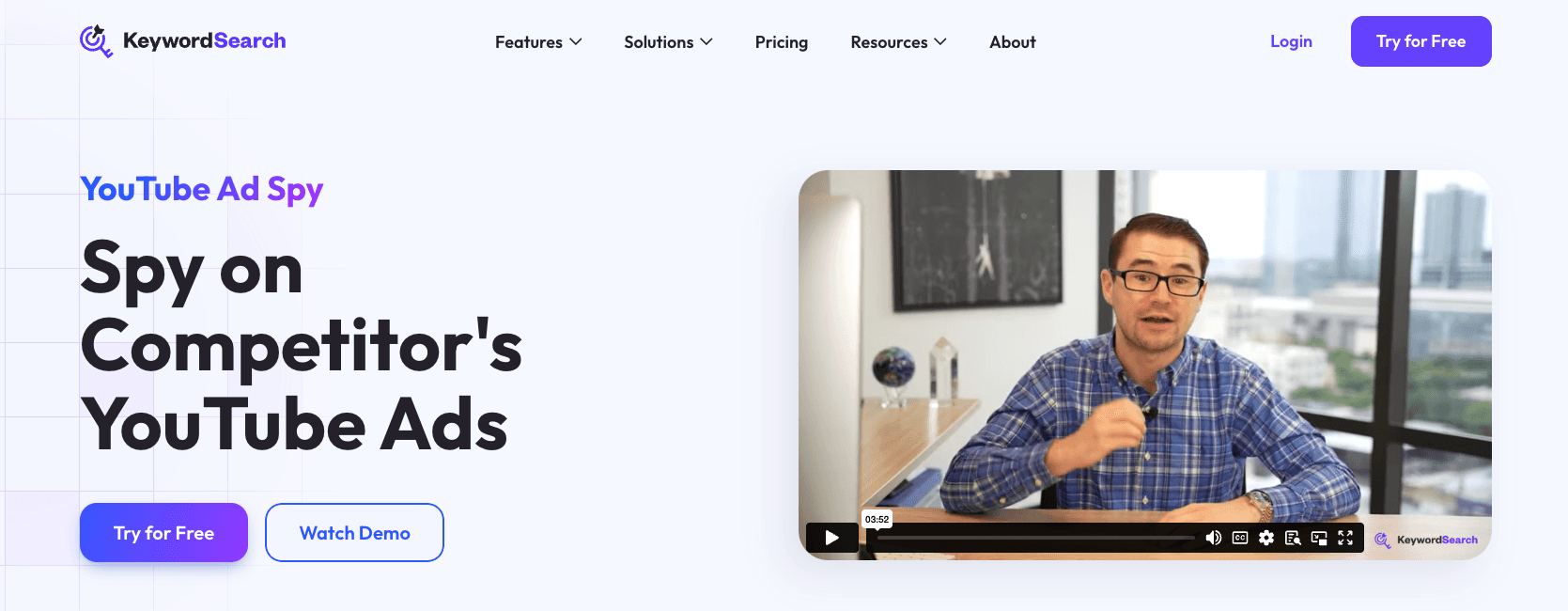
KeywordSearch is a software tool created by Aleric Heck, who is probably one of the biggest names in the YouTube ads space. As the name suggests, the software is primarily for generating keyword-based audiences for Google and YouTube ads. However, it also has a YouTube Ad Spy feature, which we'll now take a look at.
KeywordSearch Pricing:
$297 per month
How big is the KeywordSearch YouTube ad library?
On their website, they're stating that it contains "tens of thousands of YouTube ads".
Most YouTube Ads Libraries and YouTube Ads Spy Tools have millions of ads, so this is an extremely small collection of ads. This means the chances of finding relevant ads for your specific niche and offer are very slim.
How much data does KeywordSearch provide for each ad?
Title of the ad
Views of the ad
Advertiser channel
Scaling graph (but only for some ads)
Thumbnail (but not really useful since it’s too tiny to actually do something with)
Video transcript (but only for some ads)
Positive things about KeywordSearch:
It's very minimalistic and easy to use
Negative things about KeywordSearch:
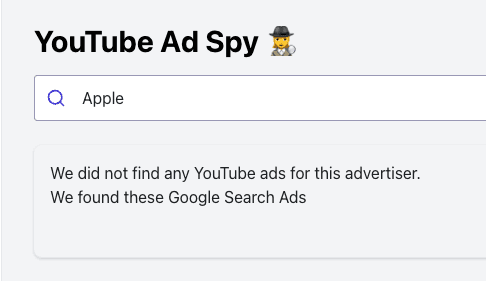
The ad library is so tiny that it's often hard to find any ads at all. According to the Google Ads Transparency Center, "Apple" is running more than 20,000 ads right now, but KeywordSearch doesn't have a single one.

With $297 per month, the tool is extremely expensive.
The search is as basic as it gets and extremely inaccurate. And with almost no filters, it's very hard to find relevant ads.
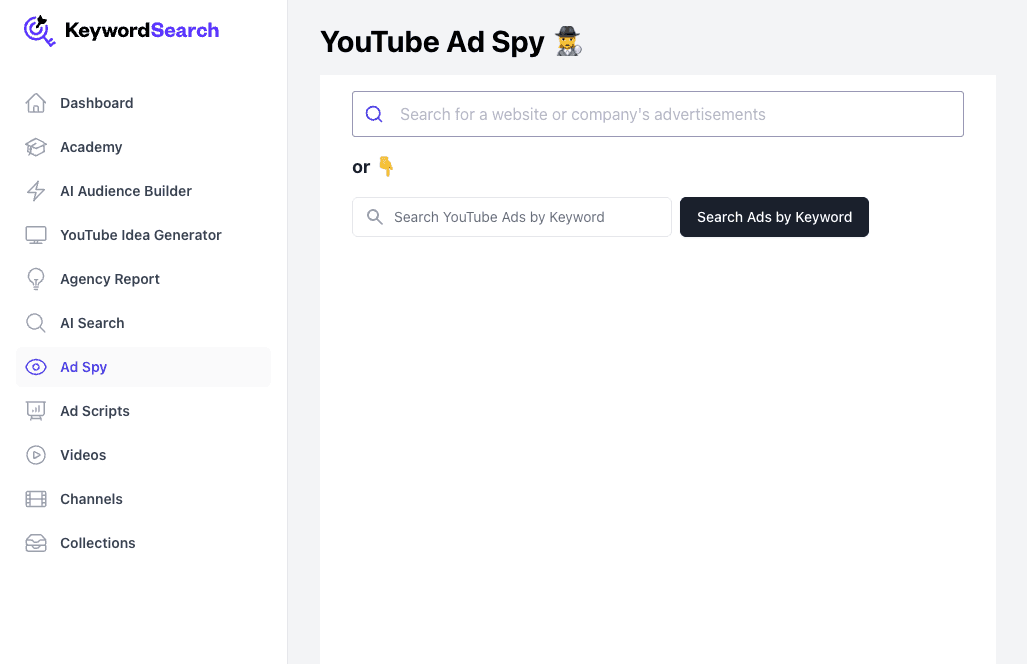
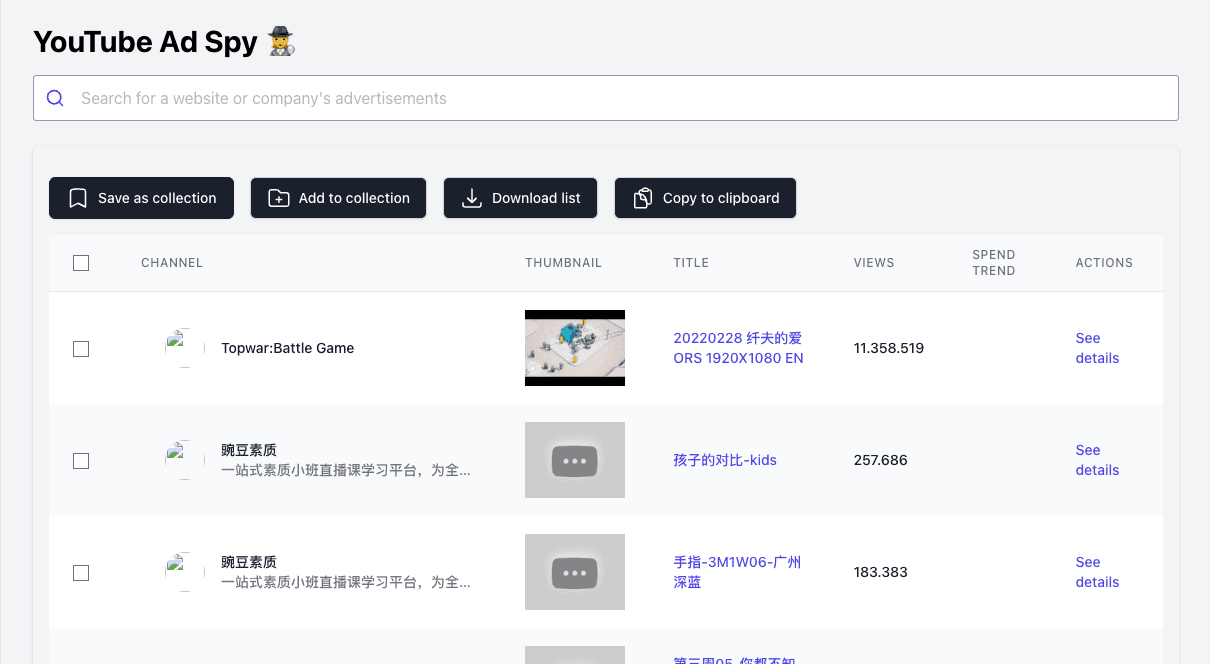
You only get a small amount of data per ad, and most of the useful data is missing. They don't show you the ad spend of the ads, the landing page URL of the ads, the publishing date, whether the ads are currently active or paused, how many likes the ads got, etc.
Lots of bugs and glitches. For example, white-on-white text that can't be read, broken images, missing images, deleted ads, missing data, etc.
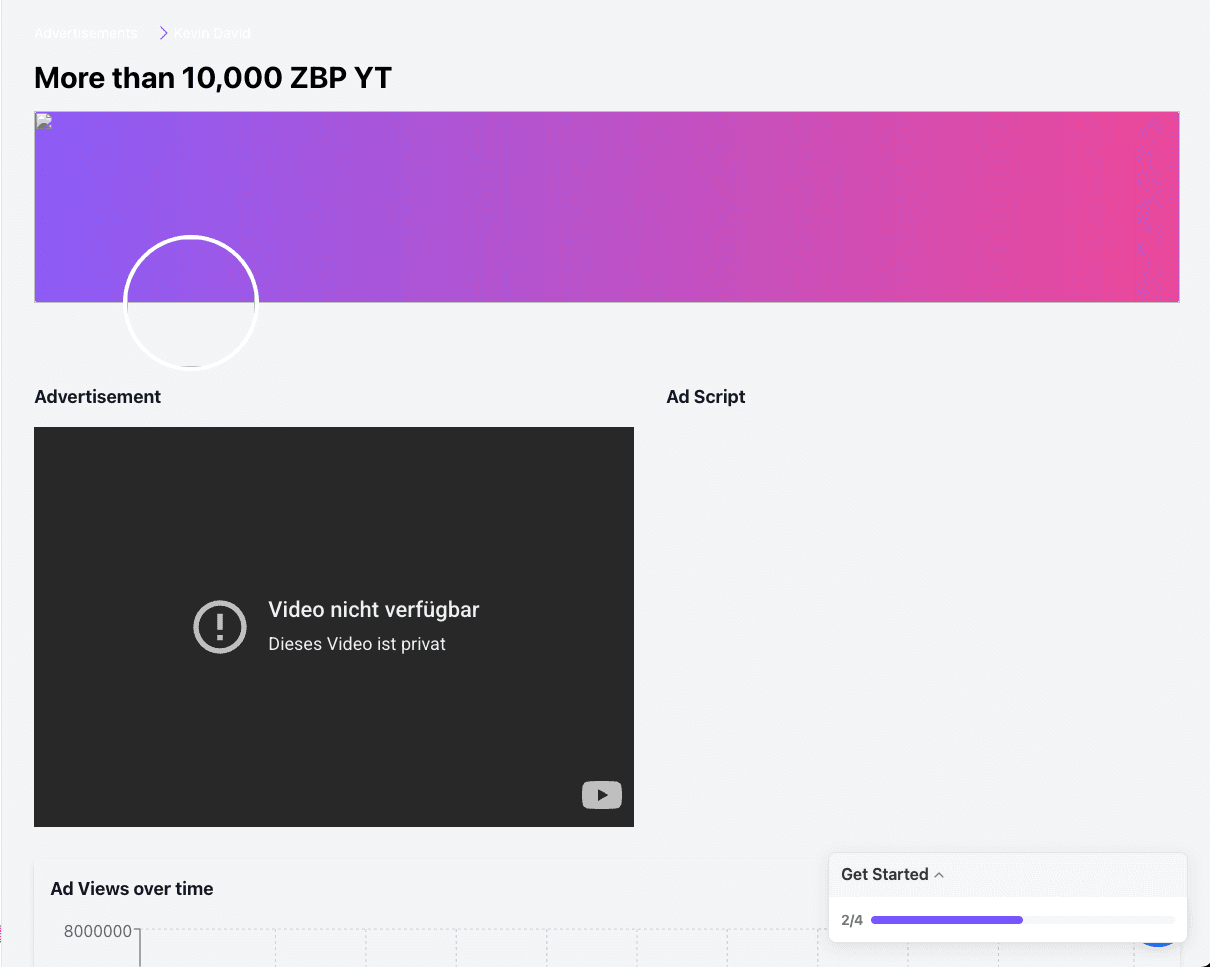
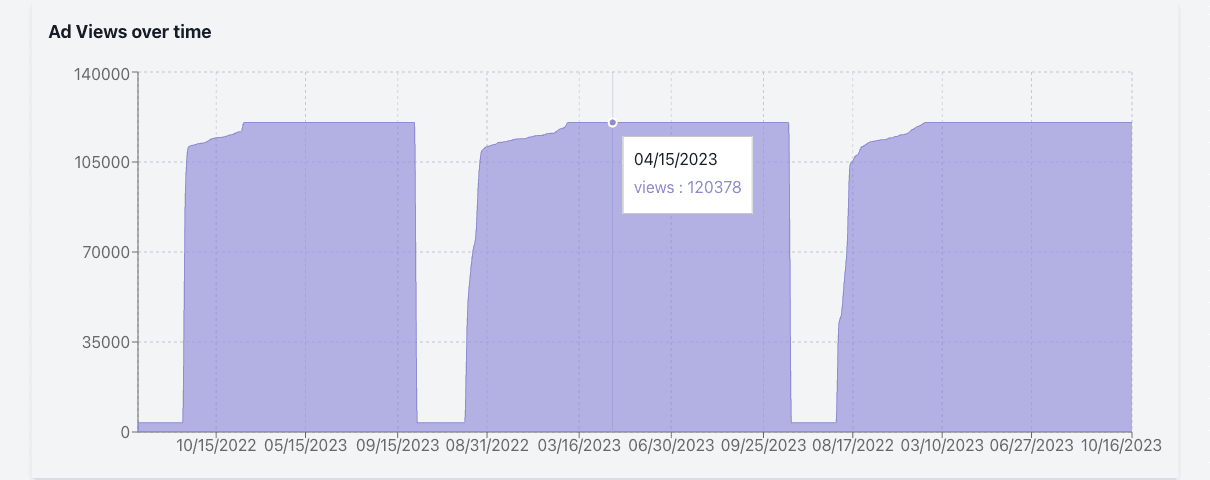
Inaccurate data that doesn't make sense. For example, this ad shows 3.569 total views. But in the view graph of this ad, it shows that the ad climbed up to over 120.000 views and then lost and regained a hundred thousand views multiple times in a few days. So the data doesn't match up, and normally, YouTube videos can only increase in view count and never decrease. So lots of data inconsistencies.

Video Ad Vault (Tubesift) Review
Video Ad Vault from Tubesift is another tool for finding and analyzing YouTube ads. They're claiming that they have "the largest searchable library of YouTube ads", which I can tell you isn't even remotely true. That's just typical marketing fluff. But let's have an in-depth look at how good their YouTube Ad Spy tool is.
Video Ad Vault Pricing:
Small plan with restricted features: $97 per month
Pro plan with all features: $137 per month
How up-to-date is the Video Ad Vault YouTube ad library?
All available YouTube ads from yesterday: 235
All available YouTube ads from two days ago: 298
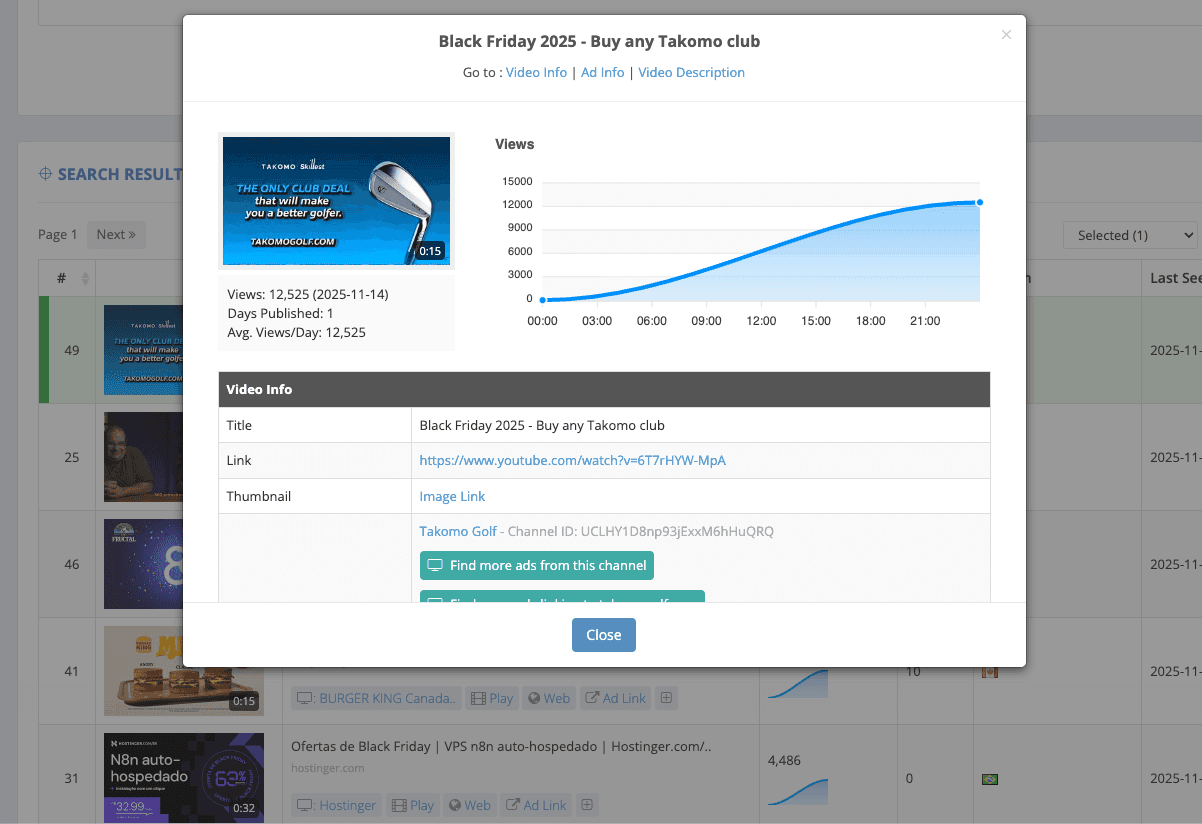
How much data does Video Ad Vault provide for each ad?
Title of the ad
Length of the ad
Advertiser name
Publishing date
Days since it was published
Scaling graph
Views
Likes
Average views per day
Thumbnail
Video description
Last seen dates
Countries in which the ads were shown
Category of the ad (but only for some ads, and often inaccurate)
Video transcript (but not a single one was available because of errors)
Landing page URL (but only for some ads)
Positive things about Video Ad Vault:
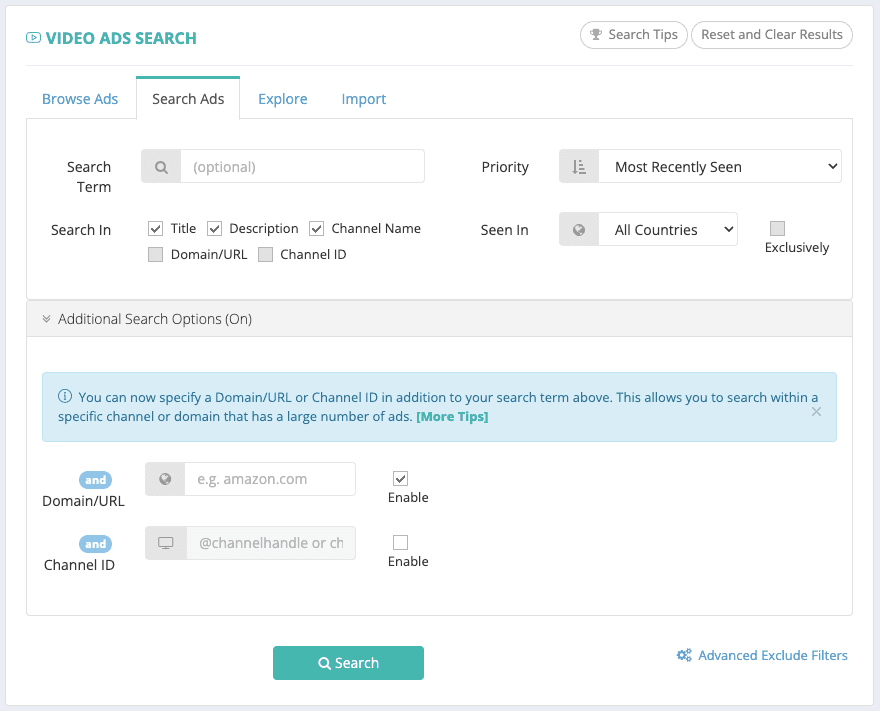
Advanced search and filters
A lot of available data per ad
Negative things about Video Ad Vault:
2,5 million ads in total is a rather small ad library. So a lot of ads will be missing.
Not that many new and up-to-date ads. There are only 235 ads from yesterday.
Lots of errors and bugs. Every single ad we've tried is missing the transcripts because of an error. And we couldn't use some of the features because they were stuck on an endless loading screen.

Starting at $97 per month, it's pretty expensive.
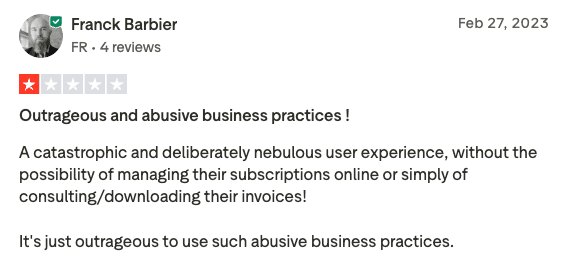
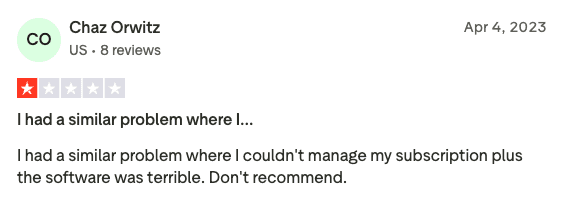
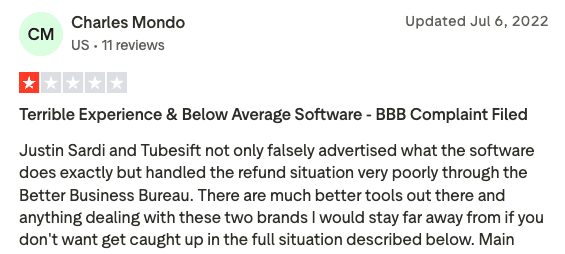
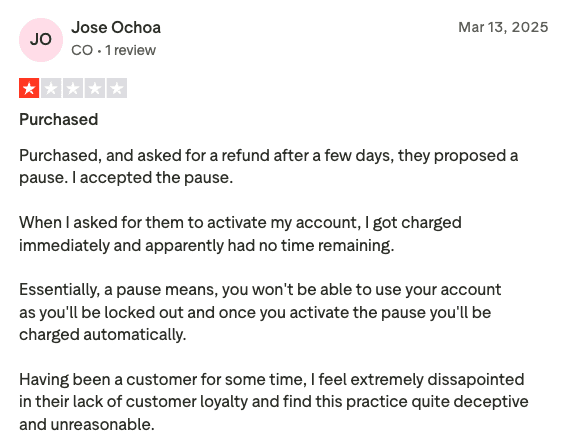
Video Ad Vault (Tubesift) has a lot of negative reviews and is rated as "poor" with only 1,8 stars on Trustpilot. They're being accused of abusive and deceptive business practices, and users state that it's really hard to manage and cancel their subscription, and that it's a struggle to get a refund.
YTADS Review
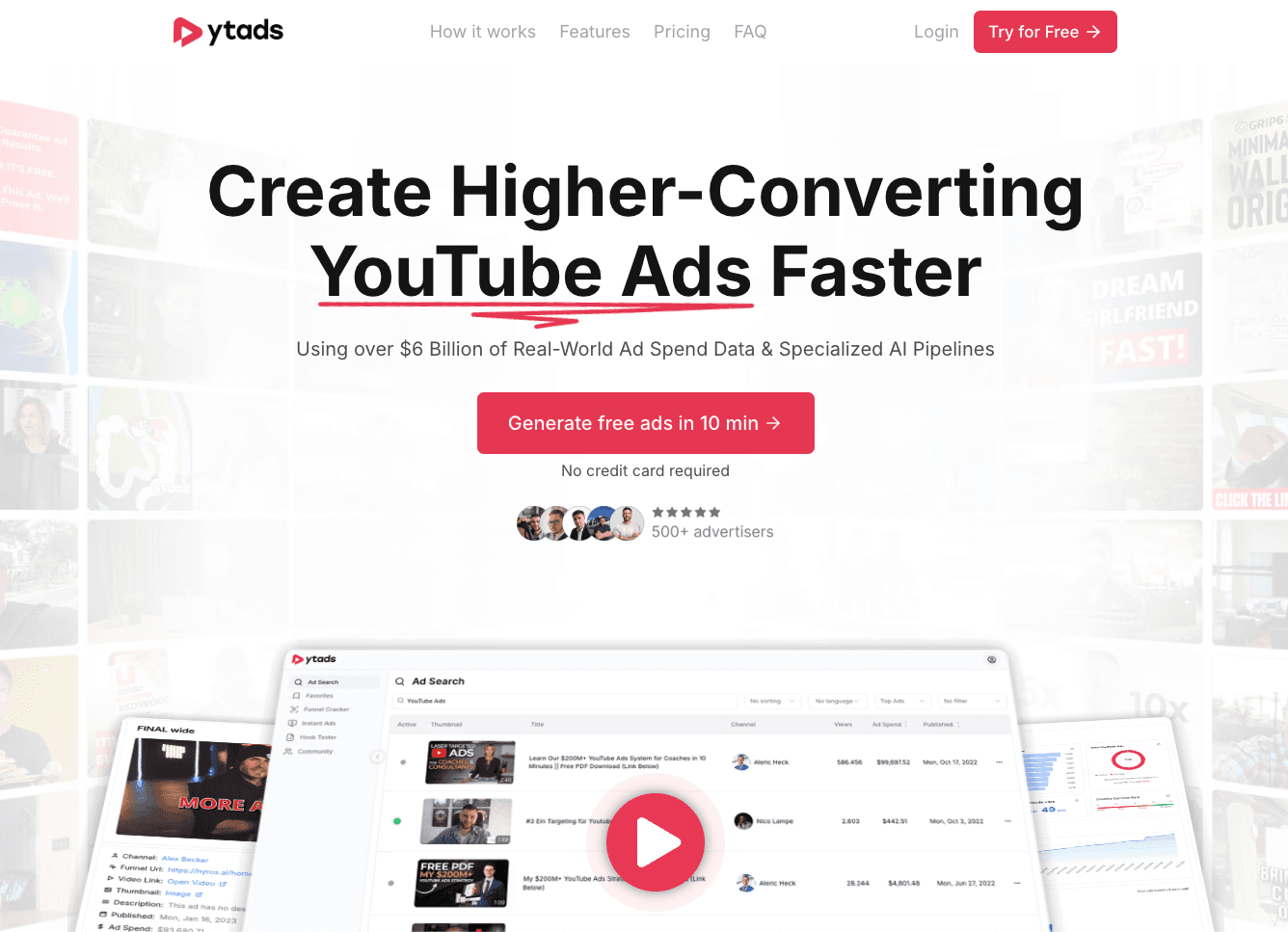
YTADS is a tool that helps you create winning YouTube ads as fast and as easily as possible. You can find winning ad inspiration in its YouTube ad library, then generate your own pre-tested ad scripts based on the proven ad messages of the winning ads from the ad library, and then turn those pre-tested ad scripts into well-edited, ready-to-launch YouTube ads in minutes with just a few clicks. This allows you to launch high-converting YouTube ads a lot faster, and therefore find more winning YouTube ads to scale with. But in this review, we'll focus only on the YouTube Ad Library and YouTube Ad Spy part of YTADS.
YTADS Pricing:
$47 per month
How big and up-to-date is the YTADS YouTube ad library?
All available YouTube ads from yesterday: 1.817
All available YouTube ads from two days ago: 1.086
The ad library contains data from a combined $6 billion of YouTube ad spend.
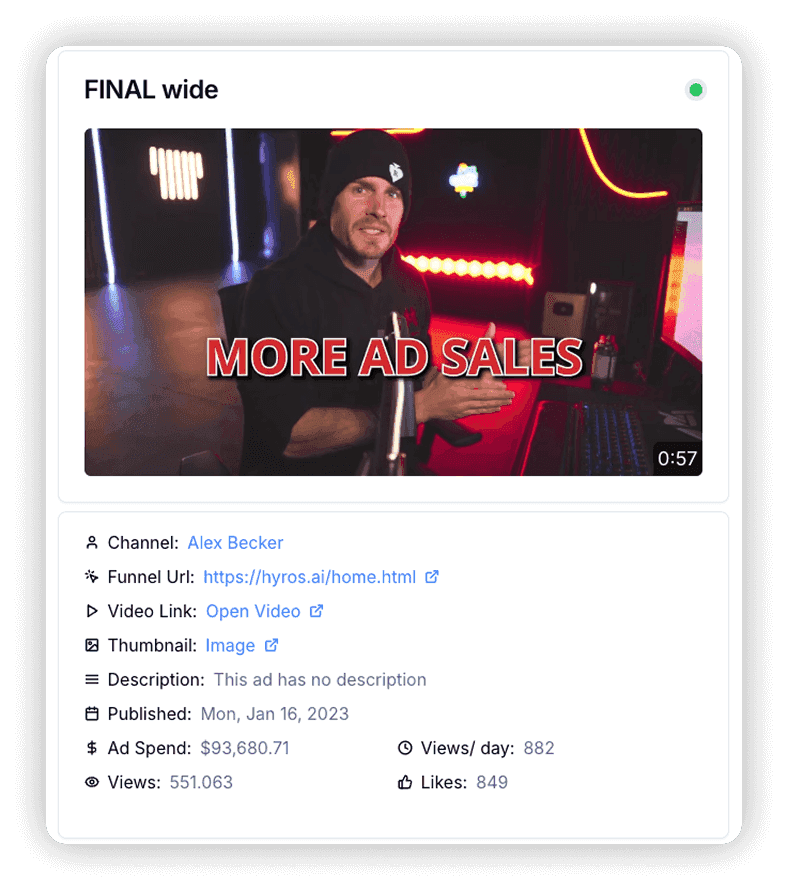
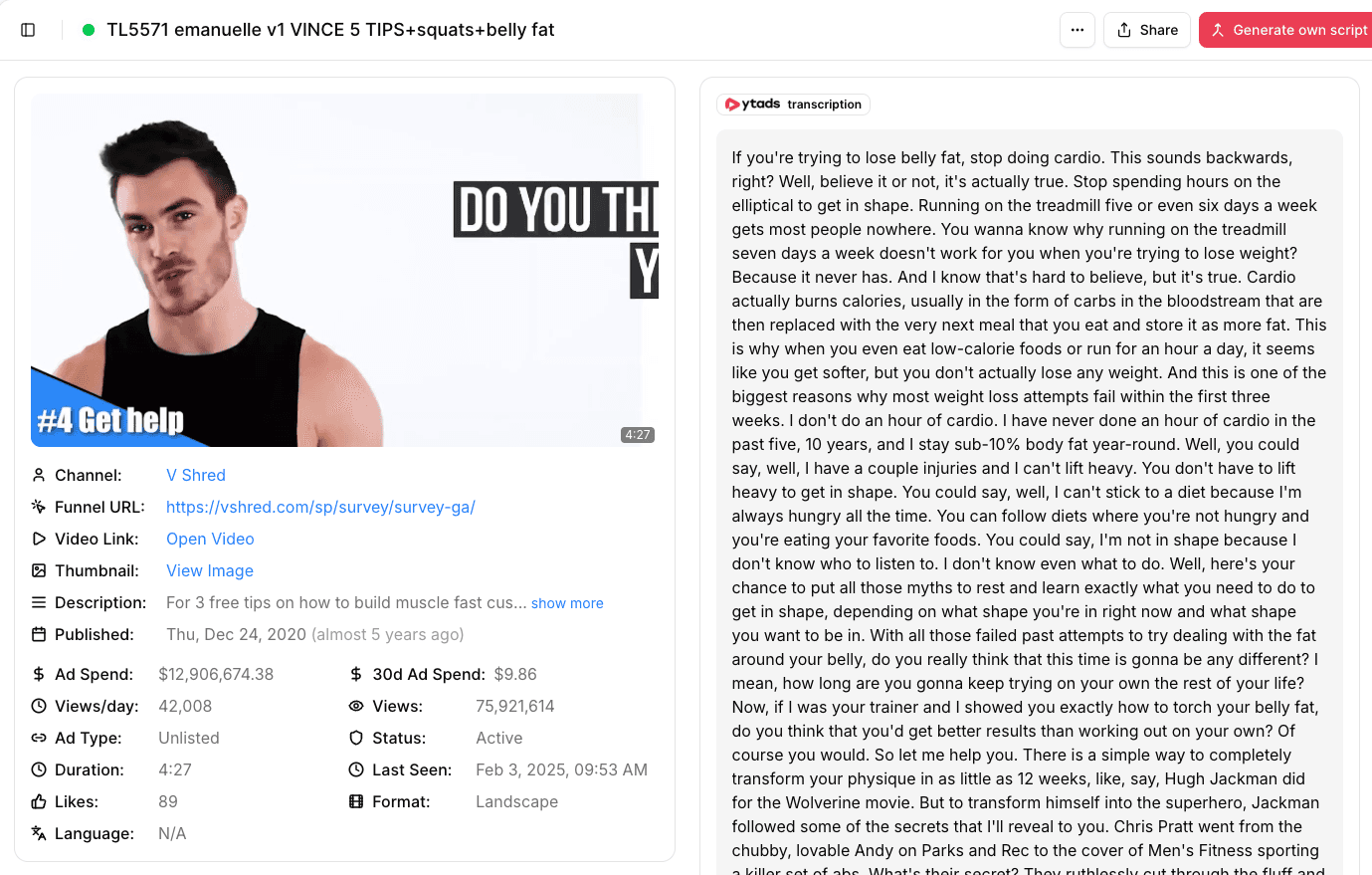
How much data does YTADS provide for each ad?
Thumbnail
Title of the ad
Advertiser channel
Views
Estimated total ad spend
Publishing date
Length of the ad
Ad status (active or paused)
Transcript
Landing page URL
Description
Average views per day
Ad type (unlisted or public)
Estimated ad spend in the last 30 days
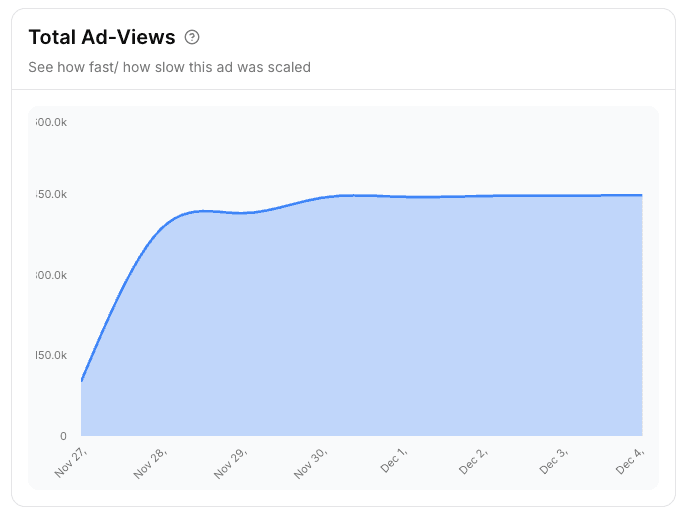
Scaling graph
Likes
Days since the ad was published
Ad format (In-stream & In-feed ad, or Short ad)
Last seen date
Language of the ad
Positive things about YTADS:
It has the most up-to-date YouTube ads
Huge ad library with millions of ads and billions of data points
It has the most available data per ad
Very affordable
Advanced search and filters
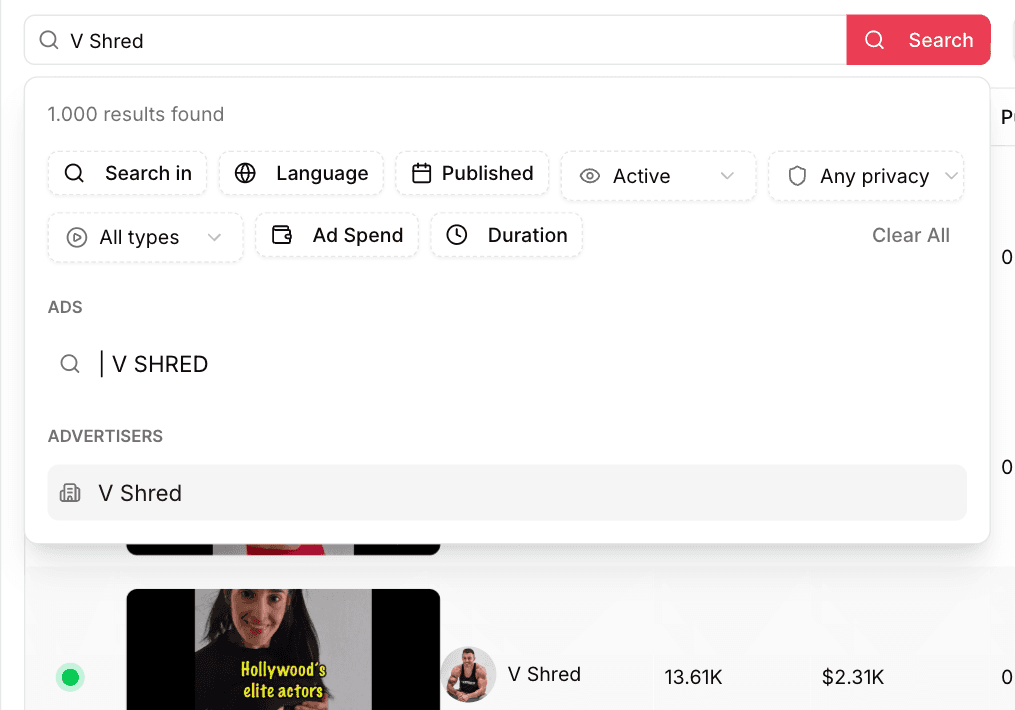
Easy to use and frustration-free
Great user experience
Very accurate data
Negative things about YTADS:
Because it contains so many ads and so much data, sometimes the pages can take some time to load
The support team is located in Germany, so there might be a little delay in response time due to timezone differences
Conclusion: What is the best YouTube Ad Library and YouTube Ad Spy Tool?
Let's look at the facts and statistics to compare the different tools to see which one is the best in each category…
Price: YTADS is the cheapest YouTube Ad Spy Tool
Amount of relevant ads: YTADS has the YouTube ad library with the most up-to-date ads
Data per ad: The YTADS ad library provides the most amount of data per ad
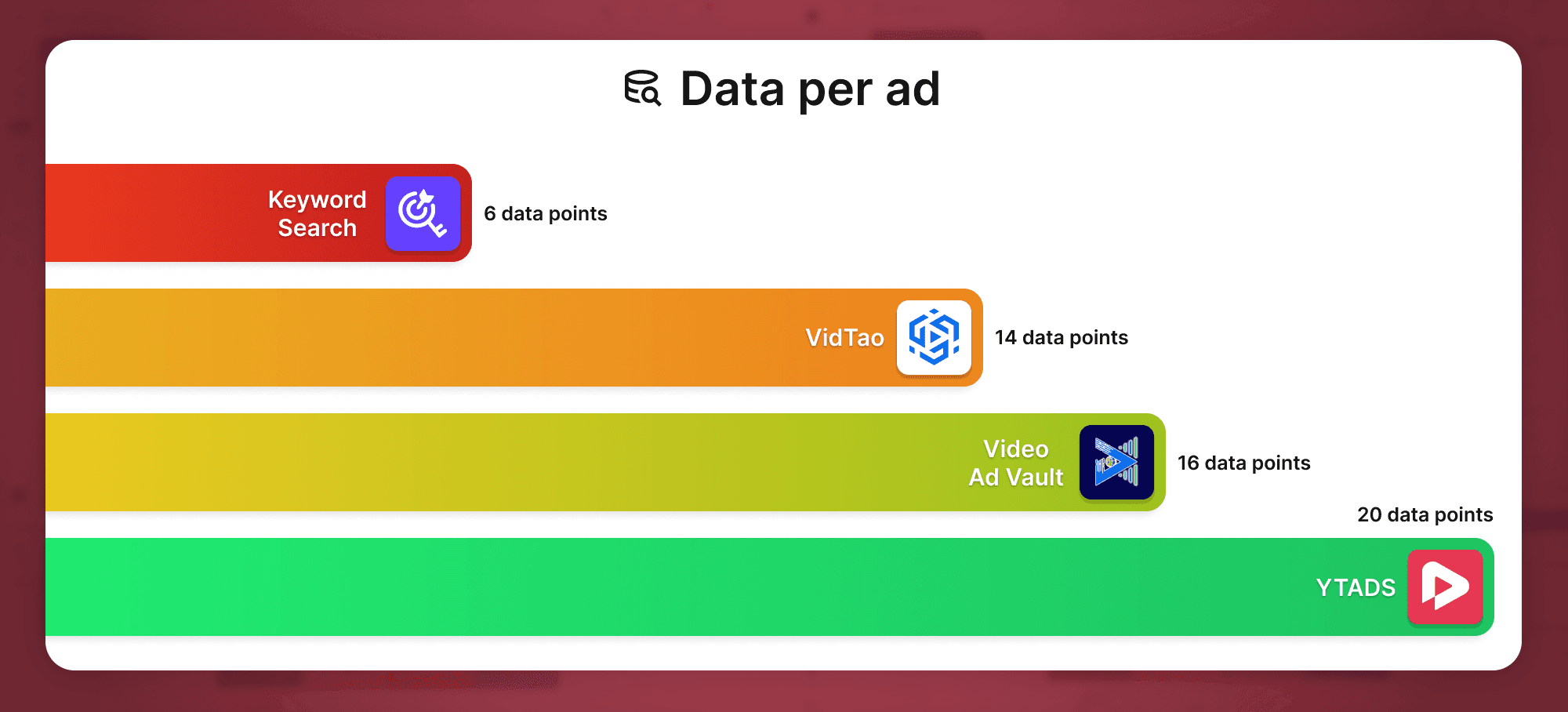
So, based on the verifiable facts, YTADS is the clear winner.
*If the tools got updated, things changed, or we made a mistake in the comparison, please message us, and we'll correct it. We want the comparison to be as accurate and fair as possible.
How to find winning YouTube ads in your niche
Sign up for a free trial of the YTADS software
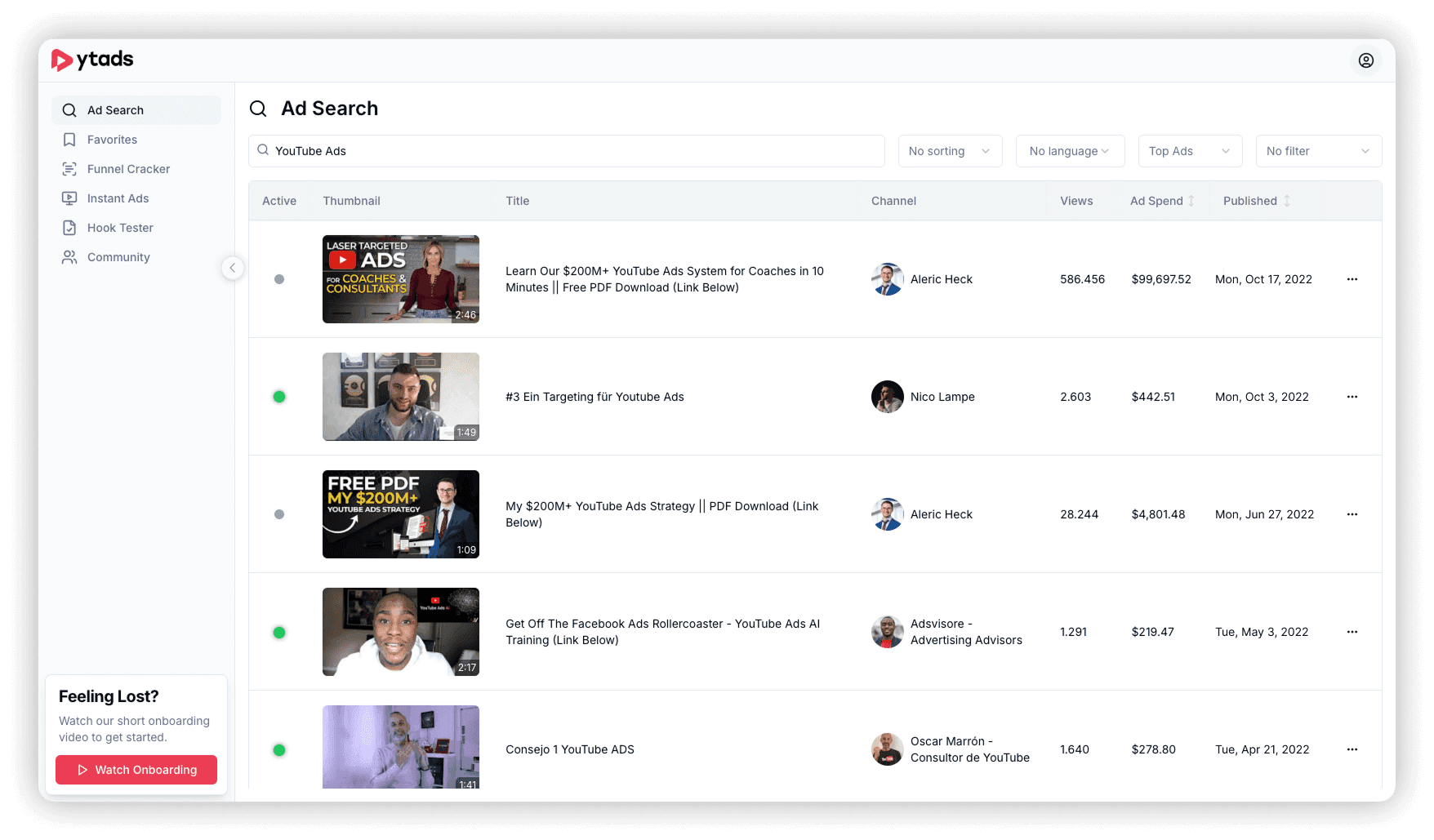
Enter your search term in the search bar. You can search for niches, competitors, products, keywords, and so on
Use the filters to narrow down your search results
Afterwards, you can sort the search results. We recommend sorting for views or ad spend descending, to see the best ads on top
Then you can preview the ads by hovering over the thumbnail
And you can open the ads to see all the data and the transcript by clicking on the title of the ad
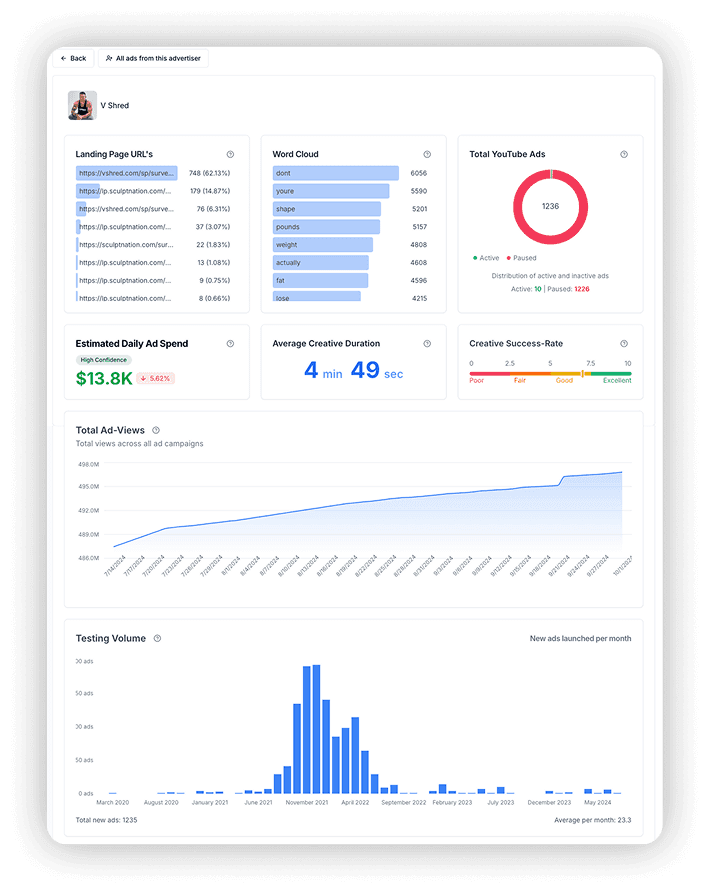
If you want to see an overview of all the stats of an advertiser, click on the channel name



" transform="translate(3 3)" width="408.8293105604056px"/></svg>)